
So you want to play 3 Patti on Android but have no idea where to start. Maybe you searched the Play Store and found nothing. Maybe someone told you to download an APK but you are not sure what that even means. Either way — you are in the right place.
This guide walks you through the entire process from zero. No technical knowledge needed. If you can download WhatsApp, you can do this. We will cover what an APK is, how to enable the right settings on your phone, and how to install and start playing — safely.
By the end of this, you will have a working 3 Patti game on your Android phone in Pakistan, ready to play.
What is an APK and Why is 3 Patti Not on the Play Store?
APK stands for Android Package Kit. It is basically the file format Android uses to install apps — the same way Windows uses .exe files. Every app on your phone was installed through an APK at some point, even Play Store apps. The Play Store just handles the download and installation automatically so you never see the file.
Most 3 Patti earning games are not listed on the Play Store because Google has restrictions on real-money gaming apps in Pakistan. That does not mean the games are illegal or unsafe — it just means you install them directly using the APK file instead of through the store.
Millions of Pakistani Android users install APKs this way every day. It is a completely normal process once you know the steps.
Before You Start — What You Need
- An Android phone running version 5.0 or higher (almost any phone from 2015 onwards works)
- At least 100MB of free storage space
- A working internet connection — WiFi or mobile data both work fine
- A Pakistani phone number for account registration and OTP
That is it. No special apps, no VPN, nothing extra required.
Step by Step Guide — How to Download 3 Patti APK on Android
Step 1 — Open Your Phone Browser
Open Chrome or any browser on your Android phone. Do not use a PC or laptop for this — the download needs to happen directly on your phone so the file goes to the right place.
Step 2 — Go to the Download Page
In your browser address bar, type or paste this link:
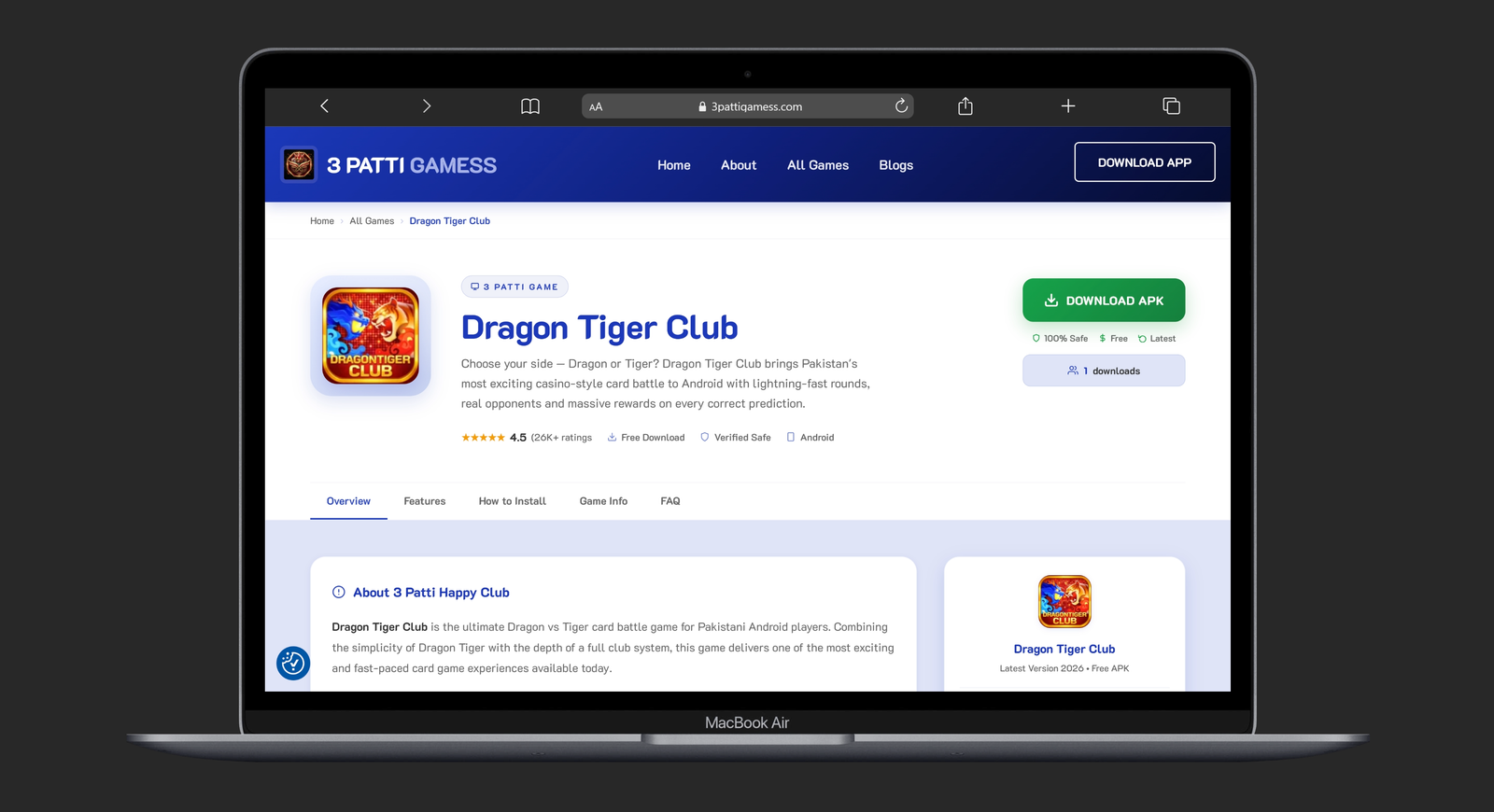
3pattigamess.com/game/3-patti-real
This is the official page for 3 Patti Real — one of the most popular and trusted 3 Patti games available in Pakistan right now. The page loads fast even on mobile data.
Step 3 — Tap the Download Button
On the game page, tap the Download button. Your browser will start downloading the APK file. You will see a progress bar at the bottom of your screen or in the notification bar at the top.
The file is usually between 40MB and 80MB so it downloads in 1 to 3 minutes on a normal connection. Do not close the browser while it is downloading.
Step 4 — Enable Install from Unknown Sources
This is the step most beginners get stuck on. When you try to install an APK for the first time, Android will block it and show a message like "Install blocked for security reasons" or "Your phone is not allowed to install unknown apps."
Here is how to fix it:
- Go to Settings on your phone
- Tap Security or Privacy (name varies by phone brand)
- Look for Install Unknown Apps or Unknown Sources
- Find Chrome (or whichever browser you used) in the list
- Toggle it ON to allow APK installs from that browser
On Samsung phones the path is usually: Settings → Biometrics and Security → Install Unknown Apps → Chrome → Allow.
On Xiaomi / Redmi phones: Settings → Privacy → Special App Access → Install Unknown Apps → Chrome → Allow.
You only need to do this once. After this your phone will remember the setting for future APK installs from the same browser.
Step 5 — Open the Downloaded APK File
Once the download is complete, you will see a notification that says something like "Download complete — tap to open." Tap on it directly.
If you missed the notification, open your File Manager app, go to the Downloads folder, and find the file — it will end in .apk and will have the game name in the filename. Tap it to begin installation.
Step 6 — Install the App
After tapping the APK file, your phone will show an installation screen with the app name, permissions it needs, and an Install button at the bottom.
Read through the permissions quickly. A 3 Patti game should need access to storage and network — nothing else unusual. If it asks for your contacts or camera with no obvious reason, that is a red flag. For files downloaded from 3pattigamess.com you will not see anything suspicious.
Tap Install and wait 10 to 20 seconds. Your phone will show "App installed" when it is done.
Step 7 — Open the Game and Register
Tap Open on the installation screen or find the new game icon on your home screen or app drawer. The app will launch and ask you to create an account.
Registration is simple:
- Enter your Pakistani mobile number
- You will receive an OTP via SMS — enter it to verify
- Create a username and you are done
The whole registration takes about 2 minutes.

Step 8 — Claim Your Welcome Bonus and Start Playing
Almost every 3 Patti game gives new players a welcome bonus when they first log in. This could be free chips, bonus cash, or a spin reward. Do not skip this — go to the Bonus or Rewards section right after registering and claim whatever is waiting for you.
This bonus lets you explore the game and try a few rounds without risking your own money right away. Start at the lowest stake tables, learn how the rounds work, and only move up when you feel comfortable.
That is it. You are in. Eight steps and you went from nothing to playing 3 Patti on your Android phone in Pakistan.
Which 3 Patti Games Can You Download This Way?
The same process works for any 3 Patti game available on 3pattigamess.com. Here are some popular ones worth trying:
- 3 Patti Real — Best overall for earning, supports Easypaisa and JazzCash
- 3 Patti Gold Pro — Classic experience with a clean interface
- 3 Patti Boss — Higher stakes tables for experienced players
- 3 Patti Lucky — Includes spin bonuses alongside card games
- 3 Patti Blue — Popular choice with multiple game modes
- Card Rummy — For players who want something different from Teen Patti
All of them follow the same download and install process described above.
Frequently Asked Questions
Is it safe to install APK from unknown sources in Pakistan?
Yes — as long as you download from a trusted website. The "unknown sources" setting simply means your phone allows apps from outside the Play Store. It does not make your phone vulnerable on its own. The risk comes from downloading APKs from random Telegram groups, unknown links, or suspicious sites. When you download from a known site like 3pattigamess.com, the file is safe. After installing, you can turn the Unknown Sources toggle back off for extra peace of mind.
Why does my phone say "Install Blocked" even after enabling unknown sources?
This usually happens because you enabled the setting for the wrong app. Make sure you enabled it specifically for the browser you used to download the file — Chrome, Firefox, or whichever one you used. Go back to Settings → Install Unknown Apps and check that your browser has the Allow toggle switched on.
How much storage do I need to install 3 Patti APK?
The APK file itself is usually 40MB to 80MB. After installation the app takes up slightly more space. Having at least 150MB free before you start is a safe amount. If your phone is very low on storage, the installation may fail without a clear error message.
Can I install 3 Patti on an iPhone?
No — APK files only work on Android. iPhones use a different format and Apple does not allow sideloading apps in the same way. This guide is specifically for Android phones which covers the majority of mobile users in Pakistan.
What if the game does not open after installing?
First try restarting your phone. If it still does not open, uninstall the app, go back to the download page, and download again — sometimes the file gets corrupted if the download was interrupted. Also make sure your Android version is 5.0 or higher.
Final Thoughts
Installing a 3 Patti APK free download on Android is genuinely easy once you know the steps. The only part that confuses most beginners is the Unknown Sources setting — and now you know exactly how to handle that.
Start with 3 Patti Real if you are new. It has local payment support, a clean interface, and a welcome bonus that lets you try the game risk-free. Once you are comfortable with the process, exploring other games from the full games list is just as easy. Visit 3pattigamess.com for the latest updates, guides, and new game releases.